



âš ī¸
Alert
Something happened.
🚀
Upgrade to Unlock
You've reached your plan limit.

Create Viral UGC Content
in Minutes

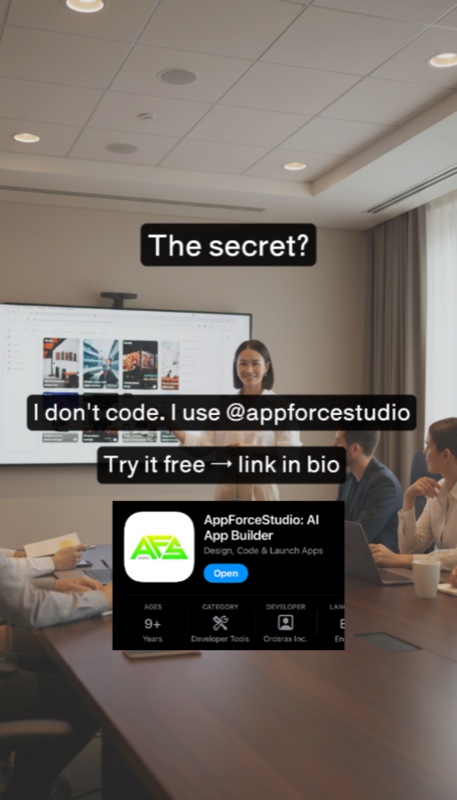
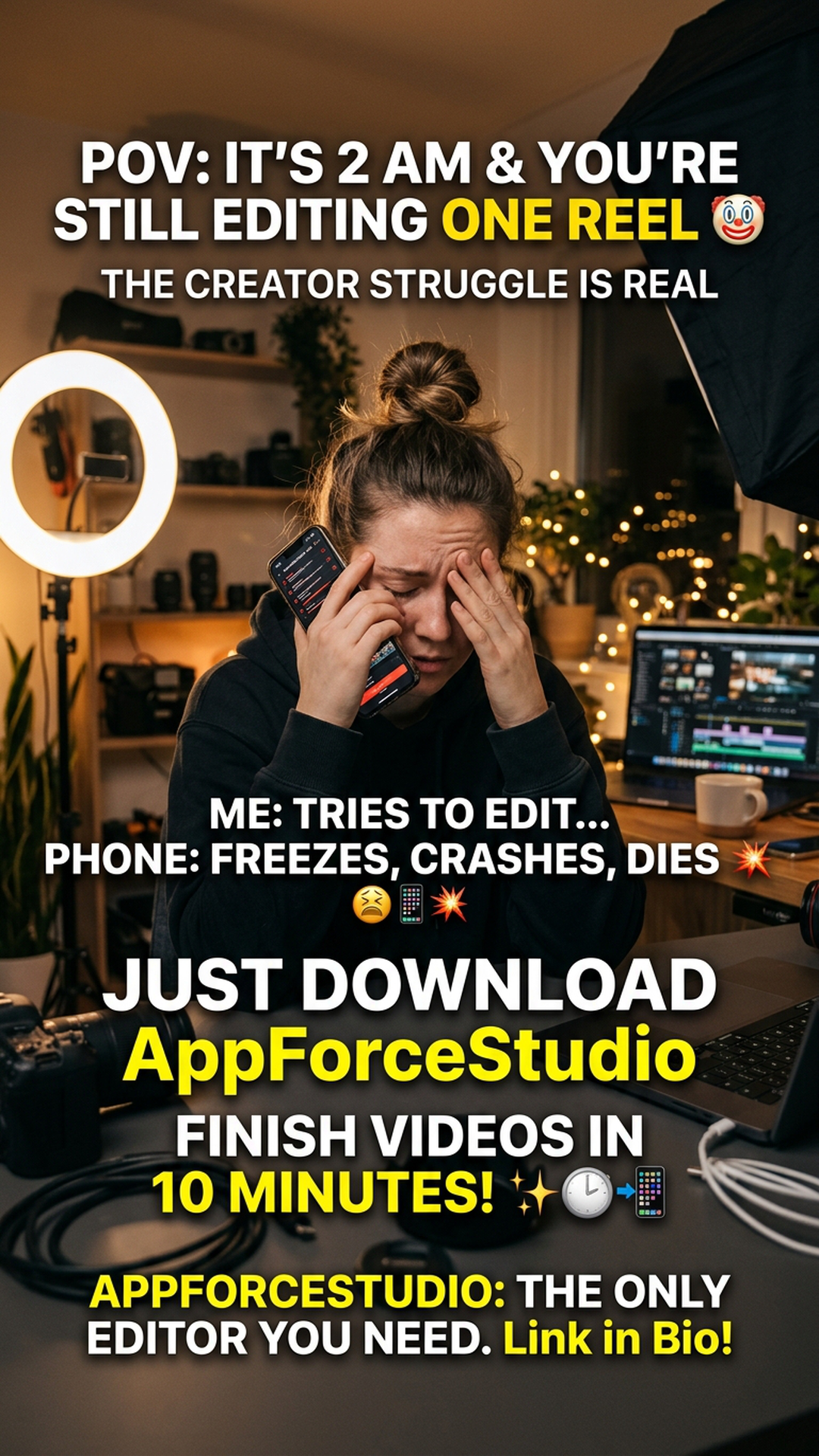
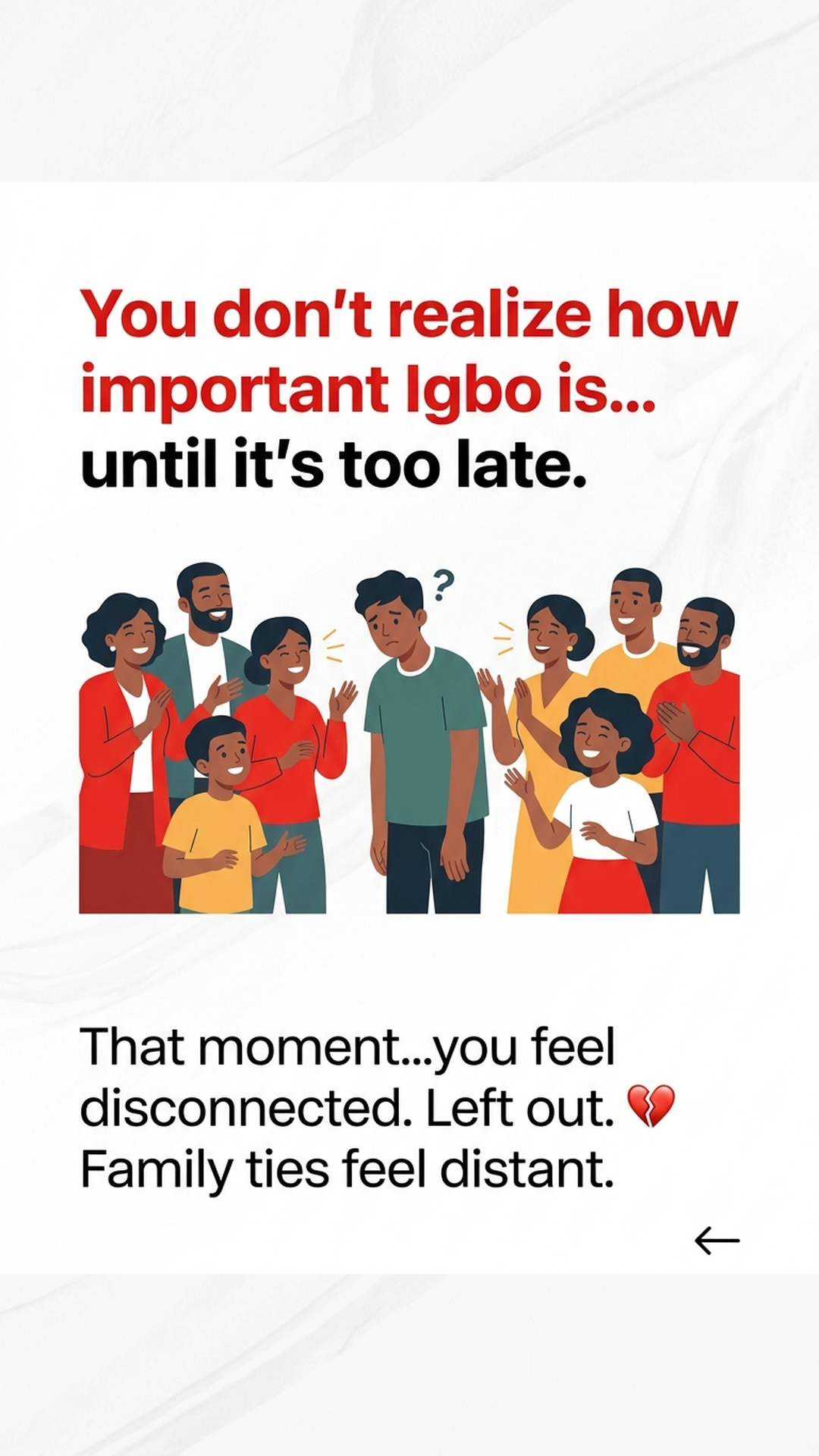
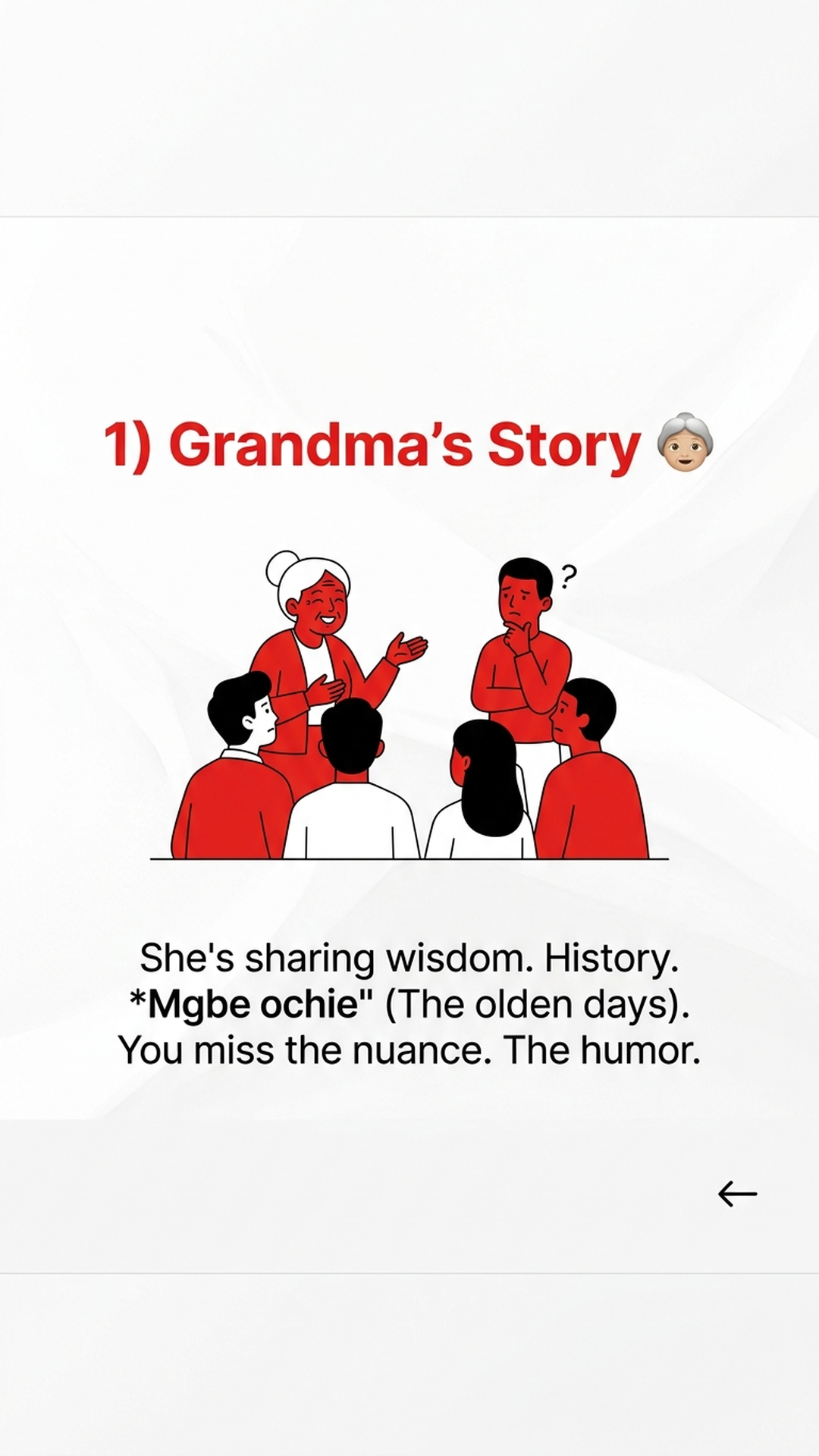
Create scroll-stopping content with AI. Carousels, videos, and consistent characters for Instagram, TikTok & LinkedIn.

No credit card required â€ĸ Create unlimited carousels

See What Creators Are Making

Carousels, reaction videos, and AI-generated content — all made with UGCKit

😱 Reaction
đŸŽŦ Reaction

Shocked Reaction Video

đŸ—Ŗī¸ Talking Head

UGC-Style Product Ad

AI Generated ImageđŸ–ŧī¸ AI Image
đŸ–ŧī¸ AI Image

AI Generated Visual

✨ AI Video
đŸŽĨ AI Generated

Product Demo AI Avatar

😱 Reaction
đŸŽŦ Reaction

Shocked Reaction Video

đŸ—Ŗī¸ Talking Head

App Demo with Avatar

AI Generated ImageđŸ–ŧī¸ AI Image
đŸ–ŧī¸ AI Image

Social Media Visual

✨ AI Video
đŸŽĨ AI Generated

Brand Story AI Video

Continuous showcase â€ĸ Hover to pause

✨ Try It Before You Sign Up

See what UGCKit can do — generate a free preview carousel right now!

One free preview per email â€ĸ Watermarked images â€ĸ Sign up to download full quality

Starting generation...

Everything You Need for Social Content

How It Works

1

Describe Your Content

Enter a topic or let AI suggest ideas based on your character's content strategy.

2

AI Generates Everything

Our AI creates images, writes copy, and designs your carousel or video automatically.

3

Edit & Publish

Fine-tune if needed, then download or publish directly to your social accounts.

Ready to Create Amazing Content?

Join thousands of creators using UGCKit to grow their audience.

Create New Project

×

🔒 Access Required

×

Project creation is currently by invitation only.

To request access, please contact us at:

📧 support@ugckit.io

We'll get back to you within 24 hours.

âš™ī¸ Project Settings

×

đŸ“Ļ Product Information

This info is used by AI when generating carousels for this project. Leave blank to use defaults.

📱 App Store Card

Upload a screenshot of your app for the CTA slide (last slide).

đŸ’Ŧ Slack Integration

Connect Slack to share generated content directly to your team channel.

Create a Slack App → Incoming Webhooks → Add to Channel → Copy URL

🔔 Notification Settings

×
â¸ī¸ Pause All Notifications
Temporarily stop all email notifications

📧 Global Defaults

These apply to all projects unless overridden below.

✅ Content Completed
📤 Post Published
đŸ’ŗ Low Credits Warning
đŸ‘Ĩ Team Updates
📰 Product Updates

📁 Per-Project Settings

Override notification settings for specific projects.

Loading projects...

Invite Team Member

×

Create New Character

×

âœī¸ Edit Slide Layout

×

Drag text boxes to reposition

Character Details & Assets

×

Create New Style

×
Lowercase, no spaces

📤 Upload Content

×
📁

Drag & drop files here or click to browse

Video (MP4, MOV) or Images (JPG, PNG) â€ĸ Max 100MB

📤 Preview & Edit Upload

×

💡 Click image to enlarge â€ĸ Drag to reorder â€ĸ Click × to remove

📅 Schedule Post

×

Comma-separated (without #)

đŸŽŦ Video

×

Trim removes the first 0.5 seconds (bad first frame from AI generation)

➕ Extend Video

×

Extend your AI video by generating additional footage. The extension will seamlessly continue from where the video ends.

💡 Tip: Be specific about actions, movements, or changes you want to see

💰 Credits required: 5 credits

🎠 Carousel

×

📁 Choose Video Asset

×

Select a video from your project assets to use as the screen recording.

Loading video assets...